Listen to this articleLoading audio…
In the previous article, we explored what n8n is and why it has become one of the most flexible platforms for business automation. The next step is practical: understanding how to apply n8n in a real company environment.
In practice, this type of automation can support different teams in their daily decision-making processes, such as marketing teams receiving daily summaries of industry trends from multiple sources, sales departments tracking competitor announcements or product launches, executive teams monitoring economic or regulatory developments, or communications teams following press mentions and sector-specific updates.
This guide presents a clear path from zero to a production-ready first workflow using a concrete scenario that involves collecting news from RSS feeds and sending aggregated updates by email. In this case, the workflow will retrieve data from publicly available RSS sources such as:
http://feeds.bbci.co.uk/news/world/rss.xml
https://www.theguardian.com/world/rss
https://www.aljazeera.com/xml/rss/all.xml
https://rss.dw.com/xml/rss-en-all
The objective is not only to create automation, but to ensure it is maintainable, secure, and genuinely useful for team workflows.
What You Need Before Starting
Before creating workflows, it is important to align three fundamental elements.
First, select reliable RSS sources that are relevant to your business context. The quality of your automation depends directly on the quality of the information you ingest.
Second, confirm access to an email service such as Gmail, Outlook, or another supported provider.
Third, define success criteria in advance. For example, you might consider the workflow successful if it delivers one daily digest consistently with correctly formatted content.
The central use case in this article is straightforward but impactful: automatically converting RSS feeds into a single aggregated email digest.
Step 1: Choose Your n8n Setup
n8n can be used in two primary ways: through n8n Cloud or as a self-hosted deployment.
n8n Cloud provides a faster setup process and is typically easier for teams that prefer not to manage infrastructure. In contrast, a self-hosted instance offers greater control over data, security, and deployment, which may be important for organizations with stricter compliance or credential management requirements.
For RSS and email automations, cloud deployment is often the fastest way to begin. Self-hosting becomes more attractive when deeper control over credentials, delivery infrastructure, or regulatory obligations is required.
Step 2: Understand the Core Building Blocks
Every n8n workflow consists of several essential components.
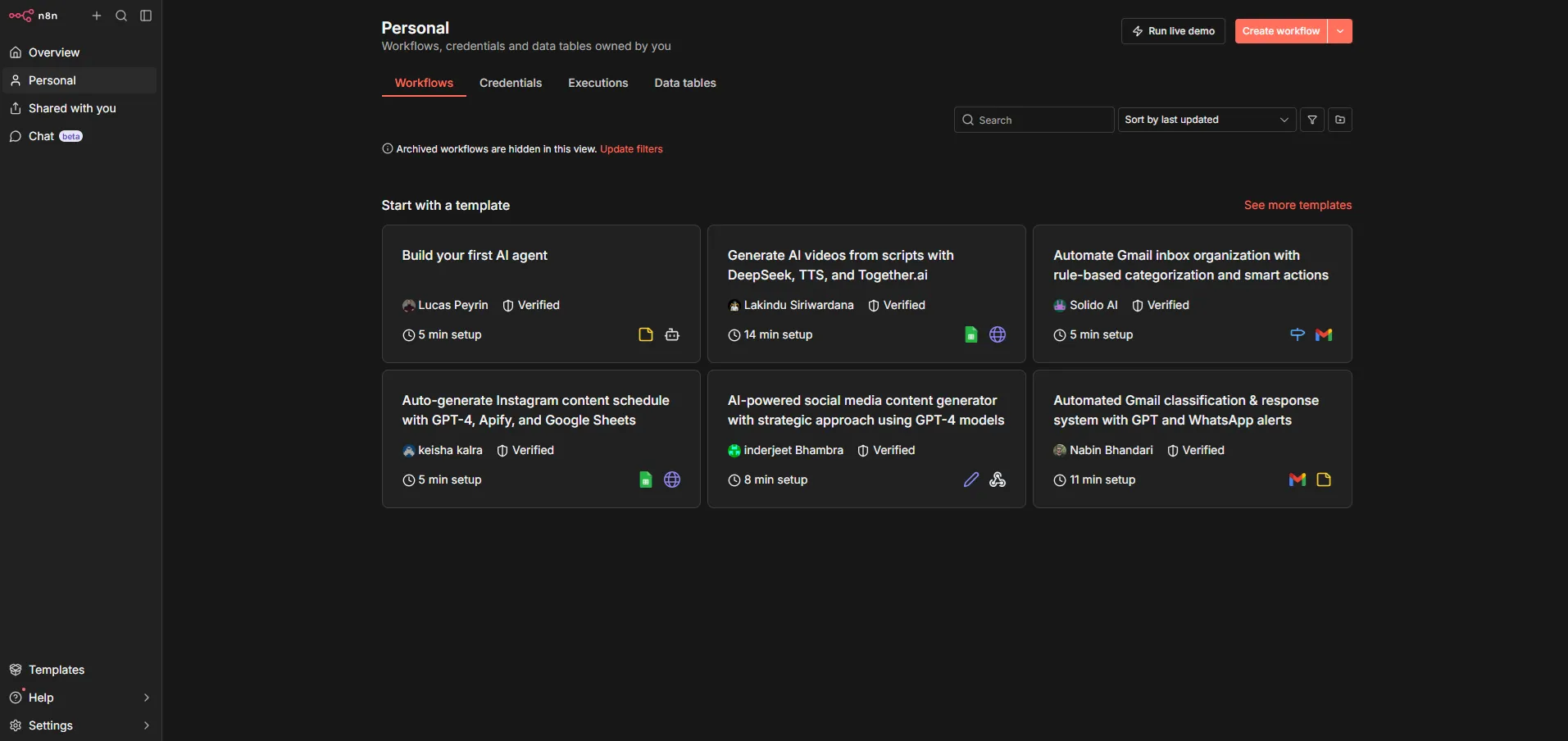
A trigger initiates the workflow based on a defined schedule, such as every morning. The RSS Feed Read node retrieves the most recent entries from selected feeds. Transform nodes are used to format and structure this data for email delivery. A Merge node combines multiple RSS inputs into a single data stream when working with more than one feed. An Email node then distributes the compiled digest to the intended recipients. Finally, execution logs record each run, allowing you to validate results and troubleshoot failures when necessary.
It is helpful to think of n8n as an orchestrator. Its purpose is to coordinate systems and business logic, rather than function as a hidden black box.
Step 3: Build Your First Useful Workflow
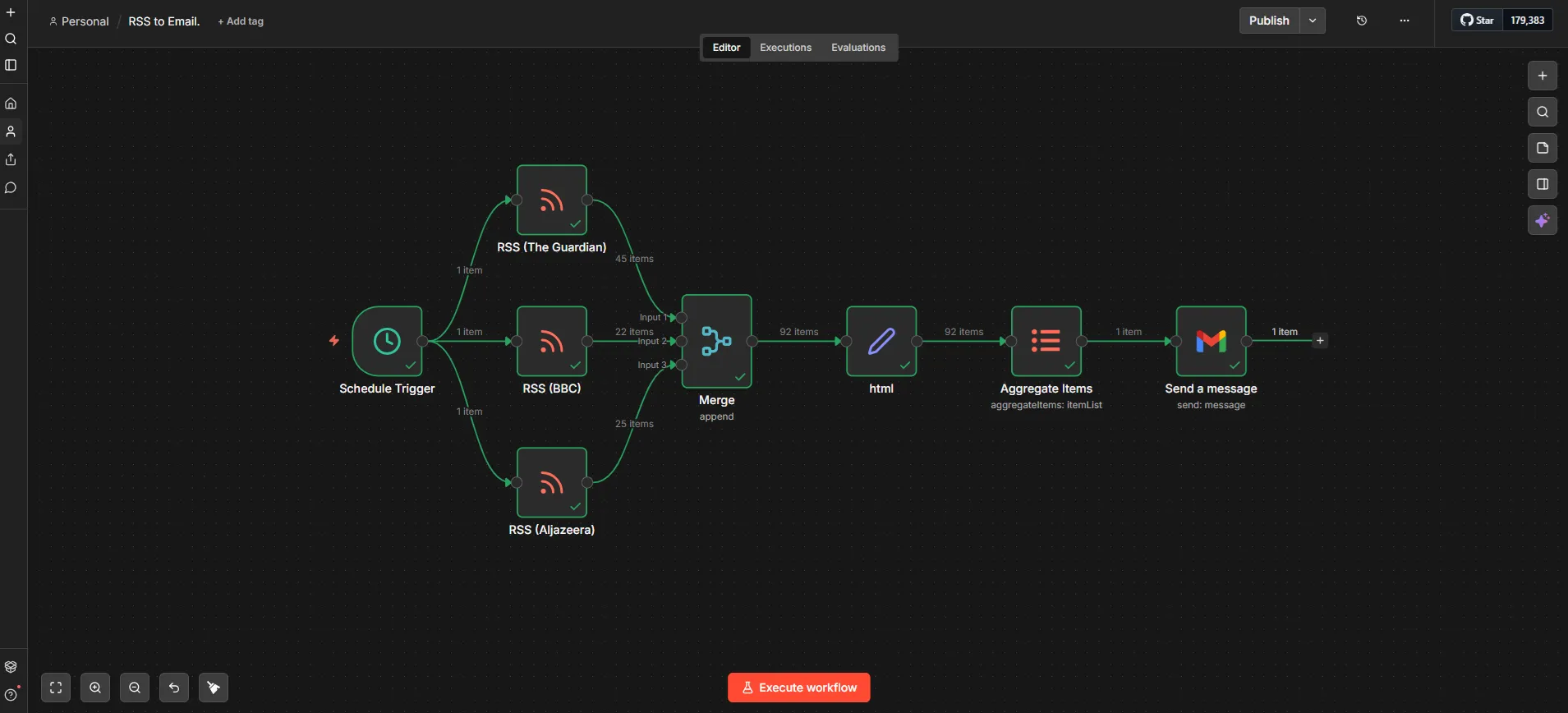
A practical first workflow follows a simple pattern: RSS Feed to Transform to Email Delivery.
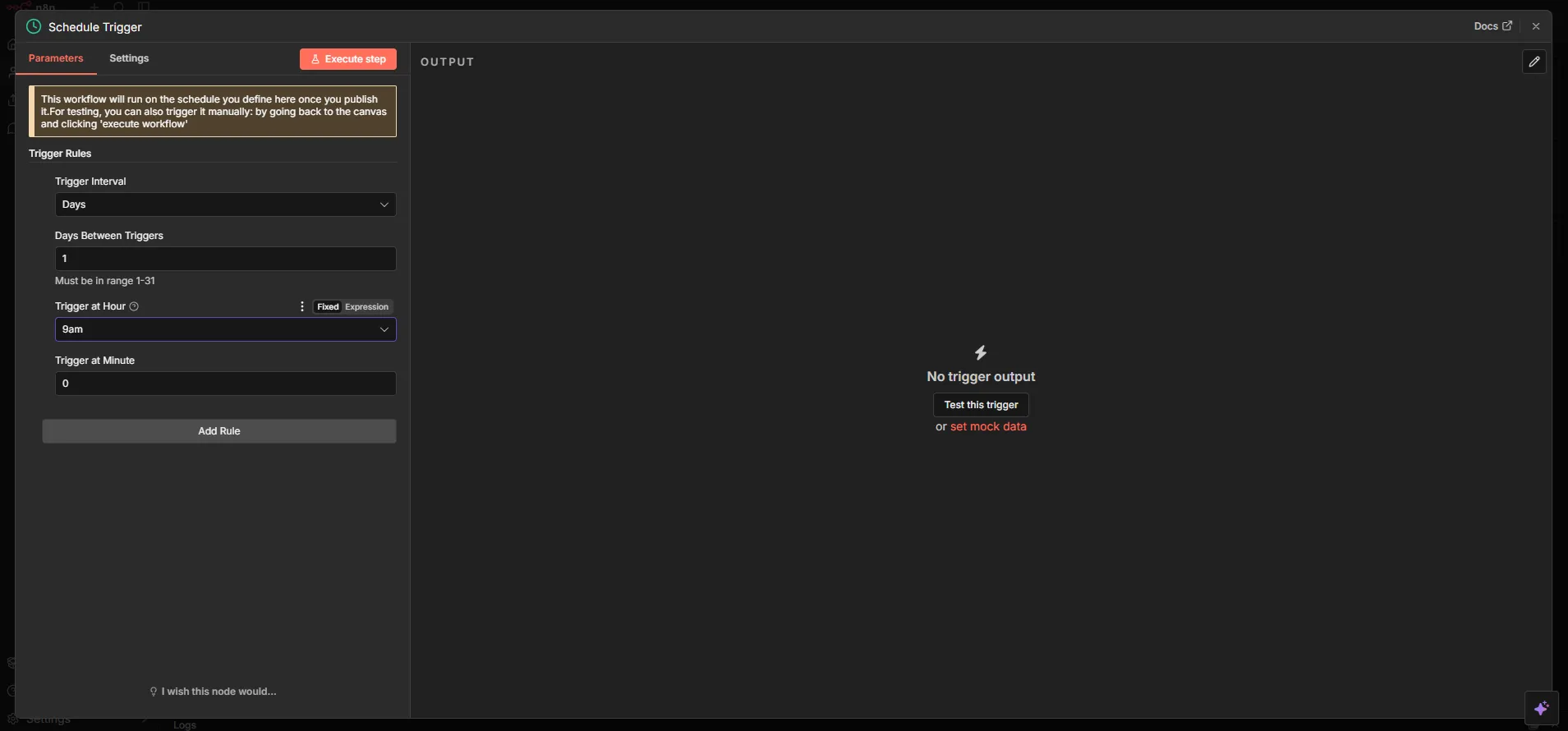
Begin by configuring a Schedule Trigger to run at a defined time, such as every day at 09:00.
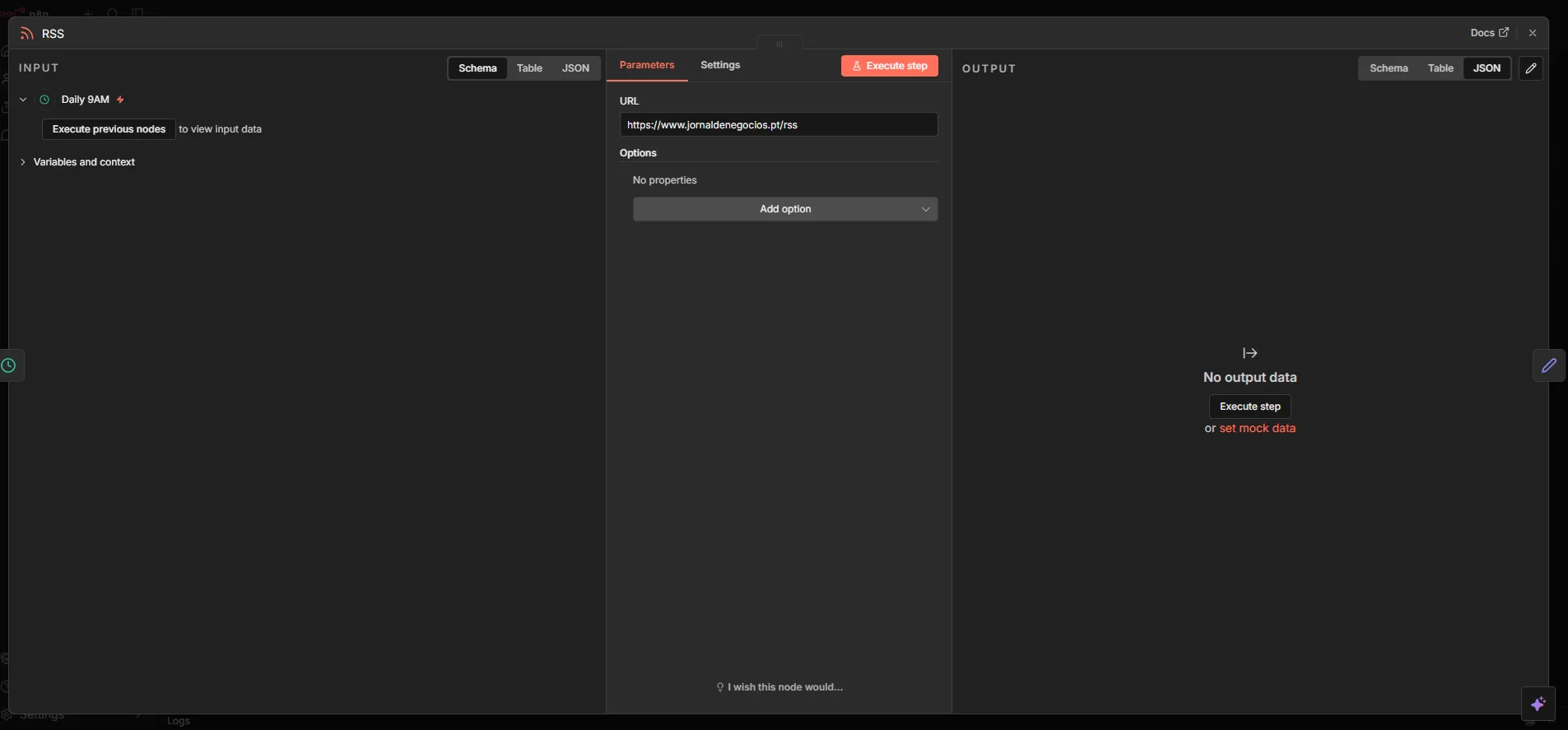
Add an RSS Feed Read node for each feed you want to monitor.
When using multiple RSS feeds, add a Merge node to combine all inputs into a single stream before the transformation step. This ensures the workflow sends one email per execution instead of one email per feed or article.
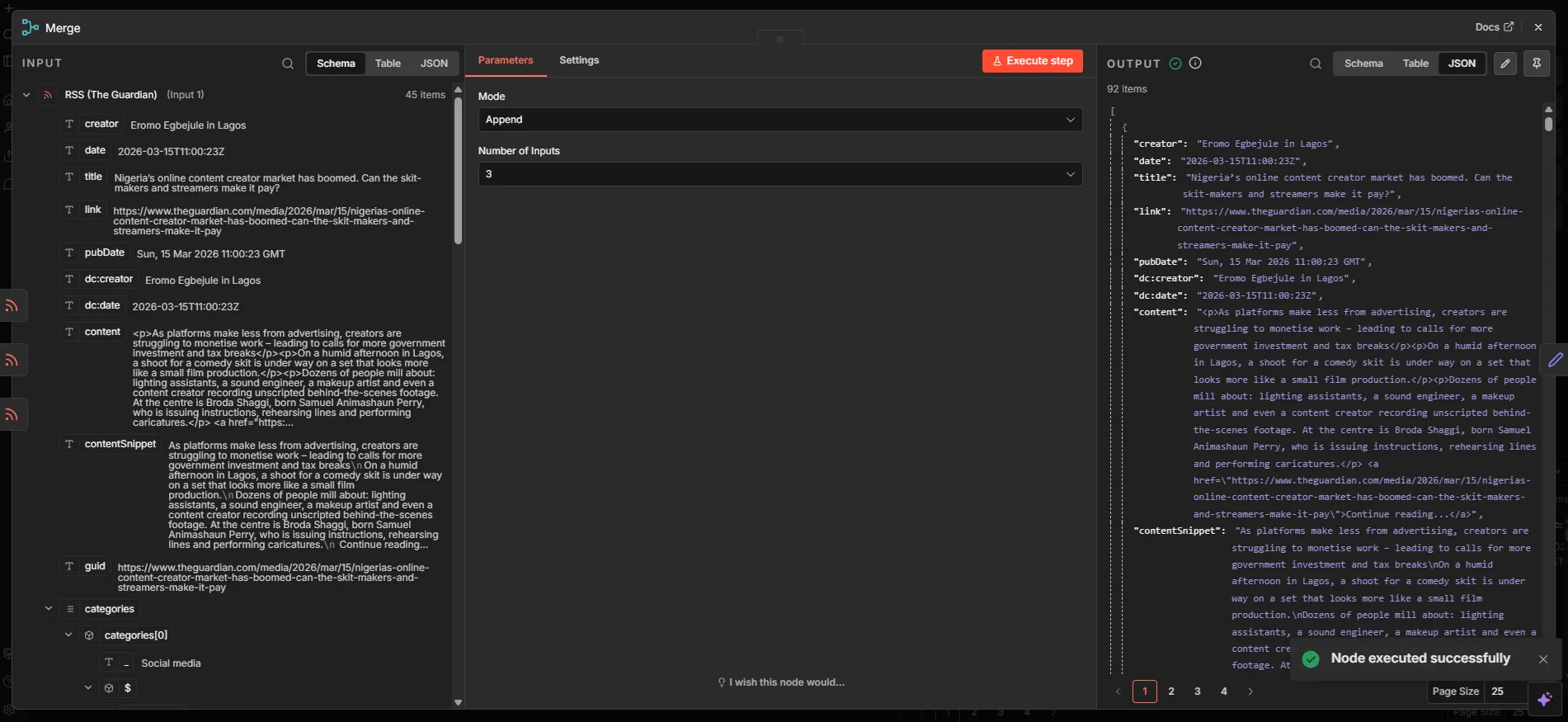
Use a Set node to shape the data you intend to send, such as title, link, and publication date.
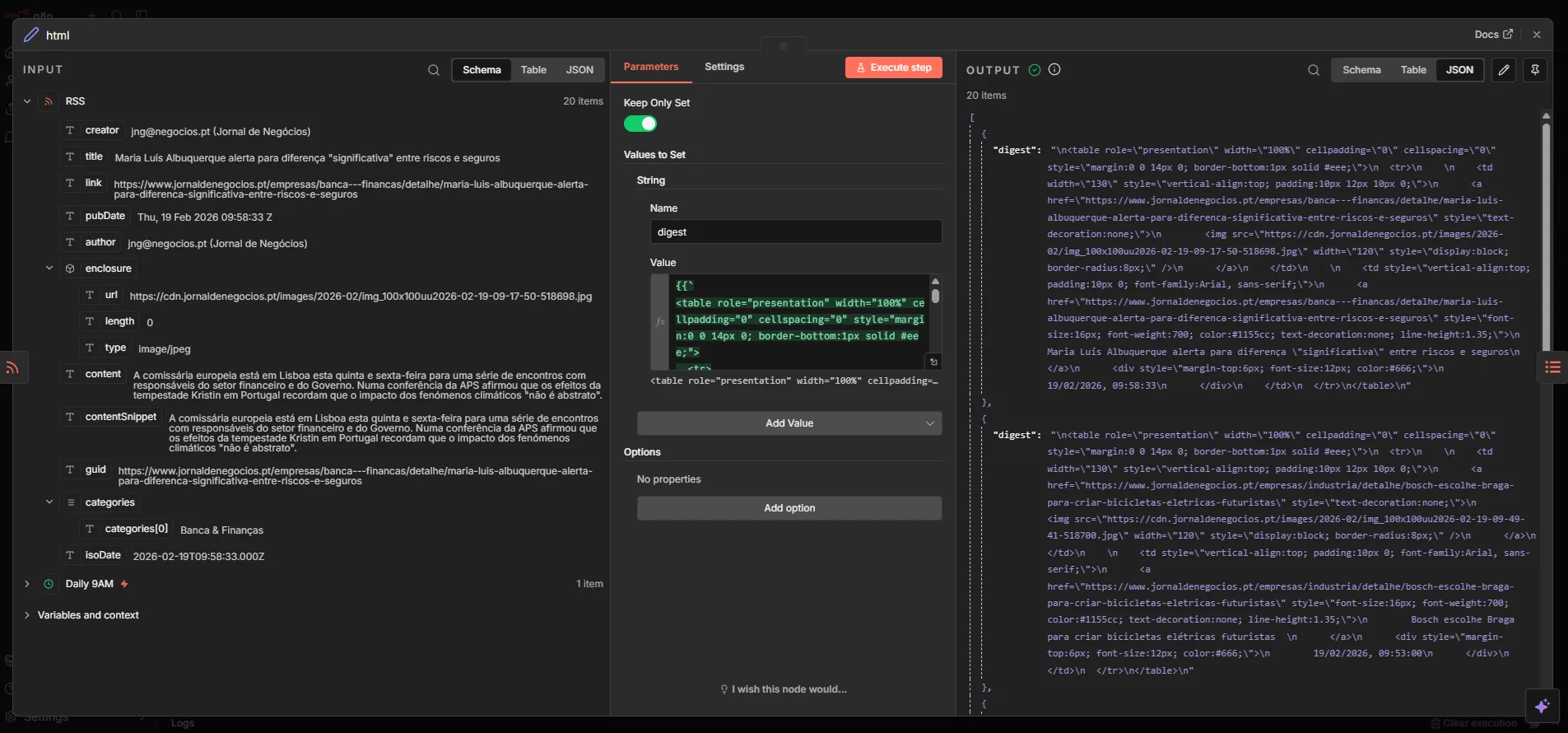
Next, create a digest body using HTML so the resulting email is structured and readable.
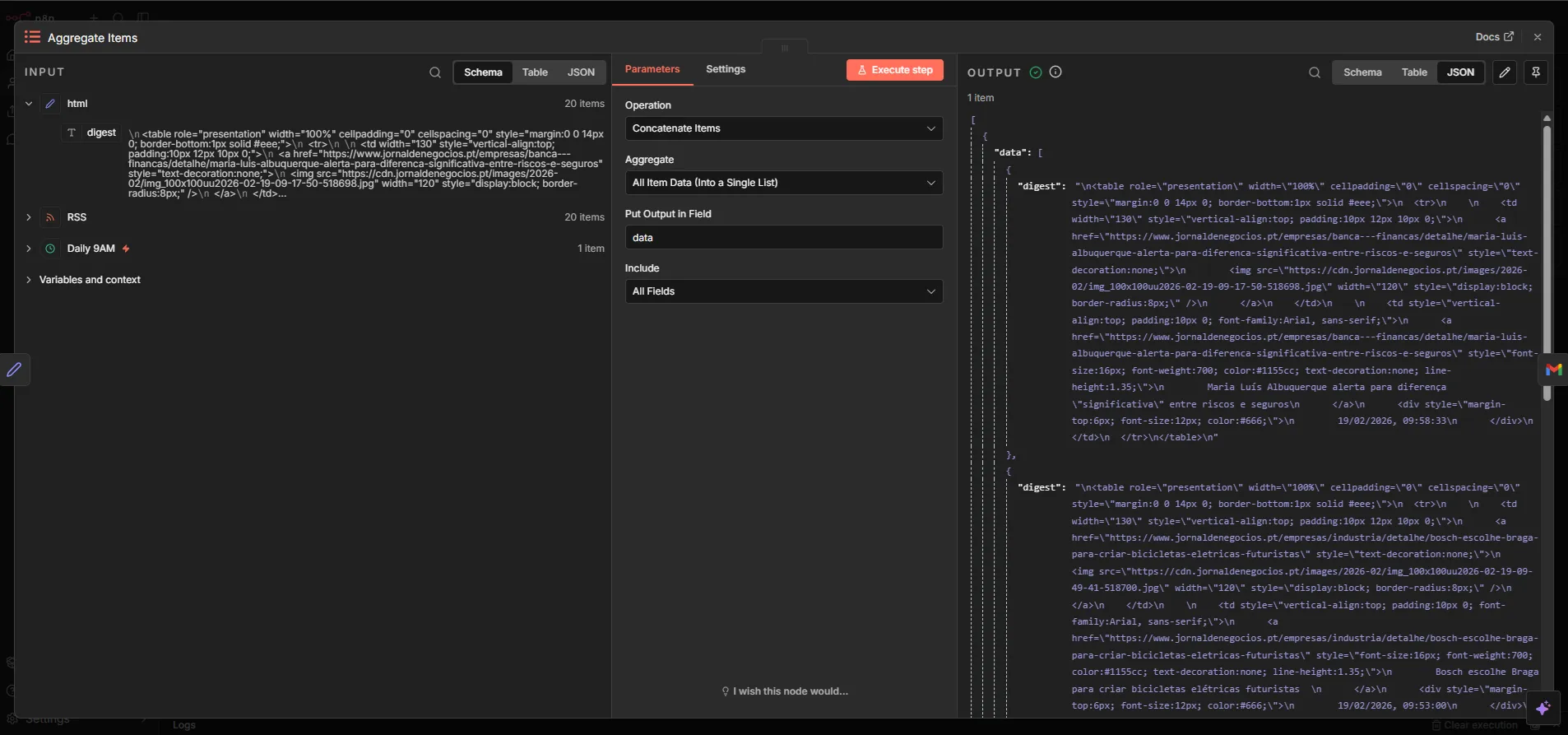
Aggregate the retrieved items into a single digest to ensure the workflow sends one consolidated email per execution.
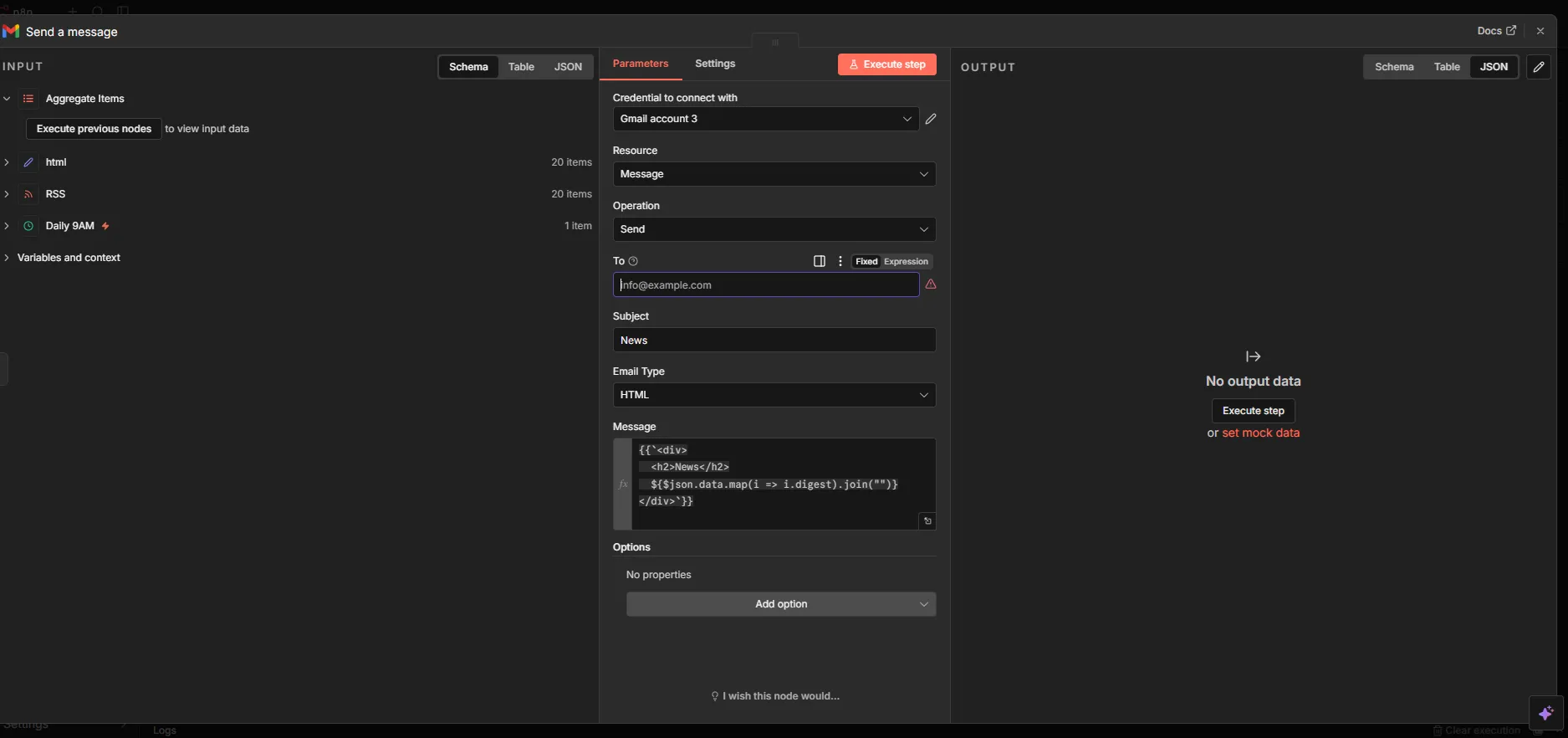
Finally, send the digest using an Email node connected to your chosen provider, such as SMTP, Gmail, or Outlook.
This workflow already delivers immediate value and introduces the core concepts needed for more advanced automations.
Step 4: Add Reliability from Day One
Many automations fail not because of flawed logic, but because they do not account for real-world variability. Reliability should be addressed early in the process.
Configure retries and timeouts, as feed endpoints and mail servers may occasionally fail. Define explicit error paths that route failures to Slack or an internal alert email. Use structured logging to make troubleshooting faster and more objective.
If a workflow becomes business-critical, monitoring and alerting should be implemented before scaling its usage across teams.
Step 5: Keep Workflows Maintainable
As workflows grow in complexity, maintainability becomes as important as functionality.
Use descriptive node names such as Read RSS Feed, Merge RSS Inputs, Build Digest HTML, Aggregate Items, and Send Daily Briefing. Break large workflows into smaller reusable components whenever possible. Store workflow exports in Git to maintain version history. Review RSS and email credentials regularly, and document formatting rules and recipient groups.
The goal is to ensure that any team member can understand and safely update the automation without needing to reverse engineer it.
Common Mistakes to Avoid
Some common issues can reduce the effectiveness of automation.
Adding too many feeds before validating content quality may introduce noise. Sending one email per article instead of a consolidated digest can overwhelm recipients. Duplicate articles across feeds may also reduce digest quality if deduplication is not implemented. Skipping error handling and monitoring increases operational risk.
Avoiding these mistakes can save significant time and effort in the long term.
Conclusion
Using n8n effectively is less about creating many workflows and more about building the right workflows with appropriate quality standards from the outset.
An RSS to email workflow is an ideal first project because it is easy to understand, quick to deploy, and immediately useful for teams that rely on aggregated information.
Starting with a small implementation allows you to measure open rates and content relevance, refine formatting and topic selection, and gradually scale to additional subjects and recipient groups. With this approach, n8n can become a strategic layer for internal communication and operational awareness.