Listen to this articleLoading audio…
Digital accessibility is no longer a secondary concern that teams can postpone until the end of a project. Since 28 June 2025, the European Accessibility Act has applied across the European Union, setting common accessibility requirements for several products and services, including e-commerce, consumer banking, e-books, electronic communications, transport-related digital services and self-service terminals.
In Portugal, the European Accessibility Act was transposed through Decree-Law No. 82/2022, which applies accessibility requirements to covered products and services in the national market. For Portuguese companies, and for any organization selling digital products or services into EU markets, accessibility is now a product, compliance and customer experience topic.
For companies that operate in the EU, this changes the conversation. Accessibility is not only about compliance. It is about whether people can actually use a website, app or digital platform when they need it most.
A form that cannot be completed with a keyboard, a button that a screen reader cannot identify, a checkout flow with poor contrast or a mobile app that depends only on visual cues are not just design defects. They are business barriers. They block users, reduce trust, increase support costs and weaken the digital experience.
The European Accessibility Act makes this reality harder to ignore.
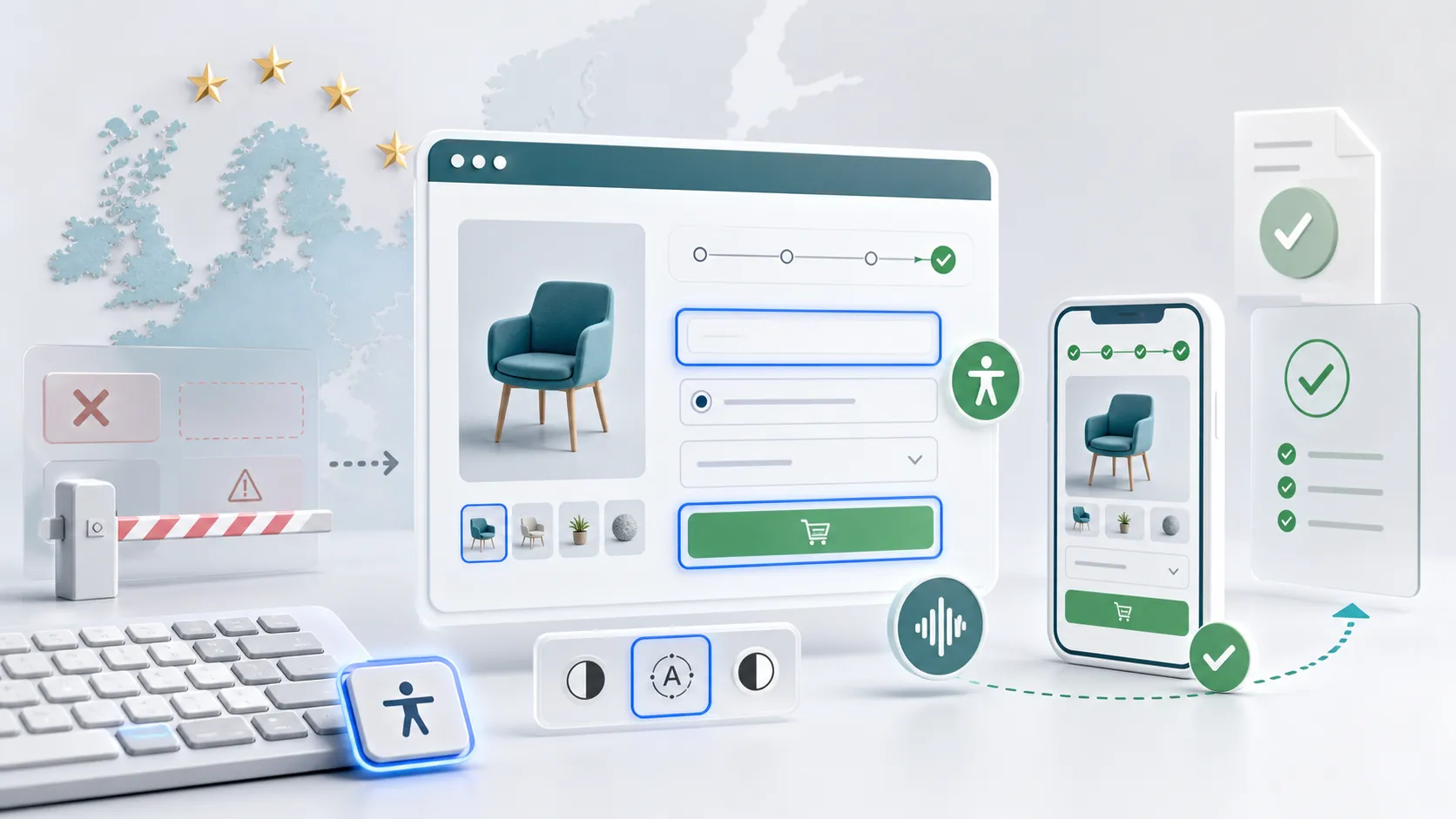
Why the European Accessibility Act matters
The European Accessibility Act, often referred to as the EAA, was created to reduce fragmented accessibility rules across EU member states and make key products and services more usable for people with disabilities.
The European Commission describes the EAA as a step toward reducing daily barriers for people with disabilities and creating a more consistent level of accessibility across the EU.
In practical terms, this means accessibility can no longer depend only on brand values, individual project maturity or the personal sensitivity of a product team. For many digital services, accessibility becomes part of the baseline expectation.
This is especially relevant for digital experience teams because many of the affected services are delivered through websites, web applications, mobile apps, digital documents, customer portals and transactional flows.
If the digital layer fails, the service fails.
Who should pay attention
The EAA does not apply to every website in the same way, but it does affect many digital touchpoints that businesses rely on every day. According to the European Commission, the covered areas include products such as computers, smartphones, ATMs and e-readers, and services such as e-commerce, banking, electronic communications, e-books and passenger transport services.
For digital teams, the most relevant areas are usually:
- online shops and checkout flows;
- banking and payment journeys;
- transport booking, ticketing and real-time information;
- customer portals and account areas;
- mobile apps connected to covered services;
- digital documents and instructions used inside those journeys;
- support channels, help centers and contact flows.
There are exemptions and transition rules, including for some microenterprises providing services and for certain older content or equipment. But these exceptions should not be used as a reason to delay accessibility work. The practical question for most organizations is not only “are we legally in scope?” but also “are we excluding users from completing important tasks?”
For any business with EU customers, that question is now unavoidable.
Accessibility is not a checklist at the end
One of the most common mistakes in digital projects is treating accessibility as a final validation step. Teams design the interface, build the product, publish the content and only then run an automated test to see what breaks.
That approach is expensive and incomplete.
Accessibility needs to be considered from the beginning of the product lifecycle:
- Discovery: understand who may be excluded from the current experience.
- UX design: define journeys that work with different input methods, reading patterns and cognitive loads.
- UI design: create interfaces with sufficient contrast, readable typography, visible focus states and clear hierarchy.
- Development: use semantic HTML, accessible components, keyboard support and robust ARIA only where needed.
- Content: write clear labels, descriptive links, useful alternative text and understandable error messages.
- Testing: combine automated checks, manual review and assistive technology testing.
The value is not only legal readiness. When accessibility is built into the process, the product becomes easier to use for everyone.

WCAG: the practical language of accessible experiences
For most digital teams, the practical reference point is WCAG, the Web Content Accessibility Guidelines. The W3C explains that WCAG provides a shared standard for making web content more accessible to people with disabilities.
In Europe, teams should also be aware of EN 301 549, the European standard for accessibility requirements in ICT products and services. Portugal’s Mosaico portal also identifies EN 301 549 and WCAG 2.1 AA as the reference baseline for web and mobile accessibility requirements.
WCAG is organized around four principles:
- Perceivable: users must be able to perceive the information being presented.
- Operable: users must be able to navigate and interact with the interface.
- Understandable: users must be able to understand the content and how the interface works.
- Robust: content must work reliably with different technologies, including assistive technologies.
These principles are useful because they move the discussion away from subjective opinions about design and toward testable user outcomes.
For example, a checkout button may look visually polished, but if it cannot be reached with a keyboard, it is not operable. A chart may look impressive, but if the same information is not available in text, it is not perceivable. A form may be technically functional, but if errors are vague or only shown in red, it may not be understandable.
Accessibility is where design quality, engineering quality and content quality meet.
WCAG 2.2 is useful for modern product teams because it adds criteria that improve experiences for people with visual, physical and cognitive disabilities. However, compliance decisions should always be checked against the applicable law, national transposition and harmonized standards for the specific product or service.
The SEO connection: accessibility helps humans and search engines
Accessibility and SEO are not the same discipline, but they often reward the same good practices.
Search engines need structure, clarity and meaningful content. So do assistive technologies. A website that uses semantic headings, descriptive page titles, clear link text, meaningful image alternatives and well-structured content is easier to understand for both users and search engines.
This does not mean accessibility should be treated as an SEO trick. It means accessible design usually strengthens the technical and content foundations that SEO also depends on.
Some examples:
- Clear headings improve scanning and help search engines understand page structure.
- Descriptive links are better than vague labels like “click here”.
- Alternative text gives context when images do not load or cannot be seen.
- Accessible forms reduce abandonment and improve conversion.
- Better performance and simpler interfaces often improve both user experience and engagement signals.
In competitive sectors such as e-commerce, banking, insurance, travel, healthcare and public services, these improvements are not cosmetic. They affect acquisition, conversion, retention and trust.
What organizations should review first
Companies do not need to redesign every digital asset overnight, but they do need a clear accessibility roadmap. The first step is understanding where the risk and user impact are highest.
A pragmatic review should start with:
- Public websites: navigation, content structure, forms, cookies, search and contact flows.
- E-commerce journeys: product discovery, basket, checkout, payment and account management.
- Mobile apps: touch targets, focus order, screen reader behavior, orientation and contrast.
- Customer portals: authentication, dashboards, tables, documents and support requests.
- Transactional emails and PDFs: invoices, statements, confirmations and instructions.
- Design systems: buttons, inputs, modals, menus, alerts, tabs and reusable components.
- Accessibility statements and support paths: public information about accessibility, known limitations, contact points and alternative support.
The design system is particularly important. If core components are inaccessible, every product built with them repeats the same problem. If core components are accessible by default, every team starts from a stronger foundation.
Automated testing is useful, but not enough
Automated accessibility tools are valuable. They can detect missing image alternatives, contrast failures, invalid ARIA usage, form label issues and several structural problems. They are fast, repeatable and useful in CI/CD pipelines.
But automated tools cannot tell the whole story.
They cannot fully judge whether the user journey makes sense, whether link text is meaningful in context, whether an error message is actually helpful, or whether a screen reader experience feels coherent from start to finish.
A mature accessibility process combines:
- automated scans during development;
- manual keyboard testing;
- screen reader testing;
- design review against WCAG criteria;
- content review;
- testing with users who rely on assistive technologies, whenever possible.
The goal is not to generate a perfect report. The goal is to remove real barriers.
Why accessibility overlays are not a strategy
Some organizations try to solve accessibility by adding an overlay widget to a website. These tools usually promise quick fixes such as contrast controls, font resizing or screen reader improvements.
They may provide small interface options, but they do not fix inaccessible source code, broken semantics, poor keyboard navigation, unclear content, missing labels or badly designed user journeys. The European Commission’s web accessibility guidance warns that overlays, or similar tools, are not an appropriate solution when they do not ensure the website itself meets the relevant accessibility criteria.
Accessibility has to be built into the product. It cannot be patched convincingly at the surface.
Accessibility as a competitive advantage
The strongest organizations will not approach the European Accessibility Act as a compliance burden. They will use it as a reason to improve their digital products.
Accessible experiences are usually clearer, faster and more resilient. They reduce friction for users with disabilities, but they also help older users, users on small screens, users with temporary injuries, users in bright sunlight, users with slow connections and users who simply do not have patience for confusing interfaces.
This is why accessibility belongs inside digital experience strategy.
It improves the quality of the service. It reduces avoidable support interactions. It protects brand trust. It makes platforms easier to scale. And it creates better conditions for SEO, conversion and long-term customer satisfaction.
Compliance may be the trigger, but better experience is the real opportunity.

How to start
The best time to address accessibility is before a product reaches production. The second-best time is before the next redesign, migration or major feature release turns existing problems into a larger and more expensive backlog.
A practical starting point is simple:
- Identify the digital journeys that matter most to customers and revenue.
- Confirm whether those journeys fall under the EAA, national legislation or sector-specific rules.
- Audit those journeys against WCAG, EN 301 549 and the relevant product or service scope.
- Prioritize issues by user impact, not only by technical severity.
- Fix reusable components before fixing one-off screens.
- Add accessibility checks to design, development and QA workflows.
- Document decisions, known limitations, remediation plans and ownership.
- Measure progress over time instead of treating accessibility as a one-time project.
The European Accessibility Act has made accessibility more visible, but the underlying principle has always been true: a digital service is only successful when people can use it.
For businesses building websites, apps, portals or e-commerce platforms, accessibility is now part of the definition of quality. It is not an optional layer. It is a core part of modern digital experience.
Need help putting this into practice? Turning accessibility from a compliance checklist into a competitive advantage takes the right strategy. If you are unsure where your digital products stand or how to prioritize your roadmap, our team is here to guide you. Contact us today to discuss your digital accessibility goals.